

1. Unresponsive keys
When a rubber/plastic keyboard sticks, clean it first like cleaning an oven for efficiency: blower or cleaner on surface and between keys - gentle airflow like oven hot air clears dust. If that fails, check the cable (like an oven plug) or reboot the PC (like power-cycling the oven) to "warm up" the system again.
2. Sluggish keyboard
Keyboard lag may mean a heavy PC load, like overcrowding an oven so heat cannot spread. Close background apps and clear junk (like cleaning oven crumbs) or add RAM (like raising oven power) so typing flows again.
3. Liquid in the keyboard
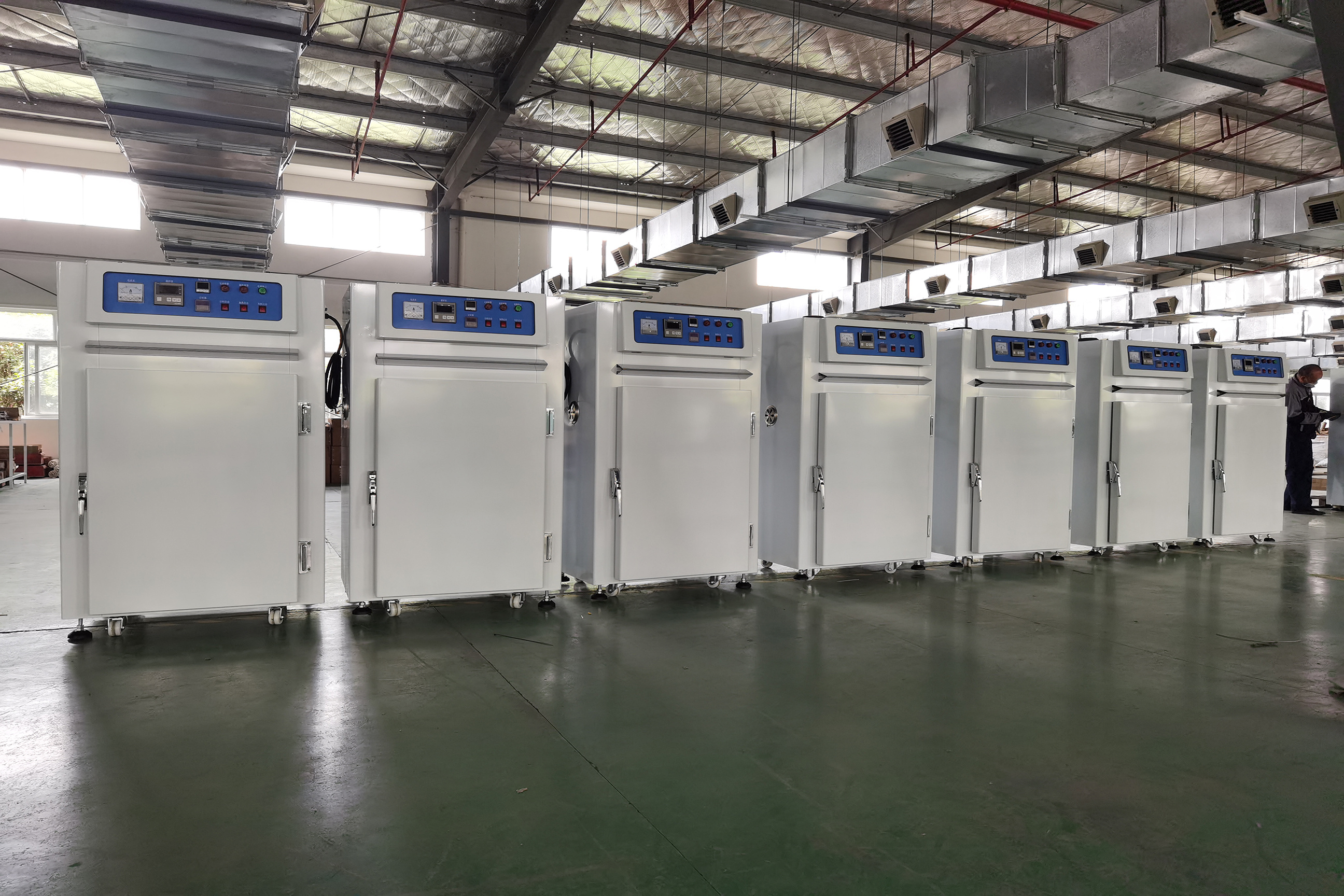
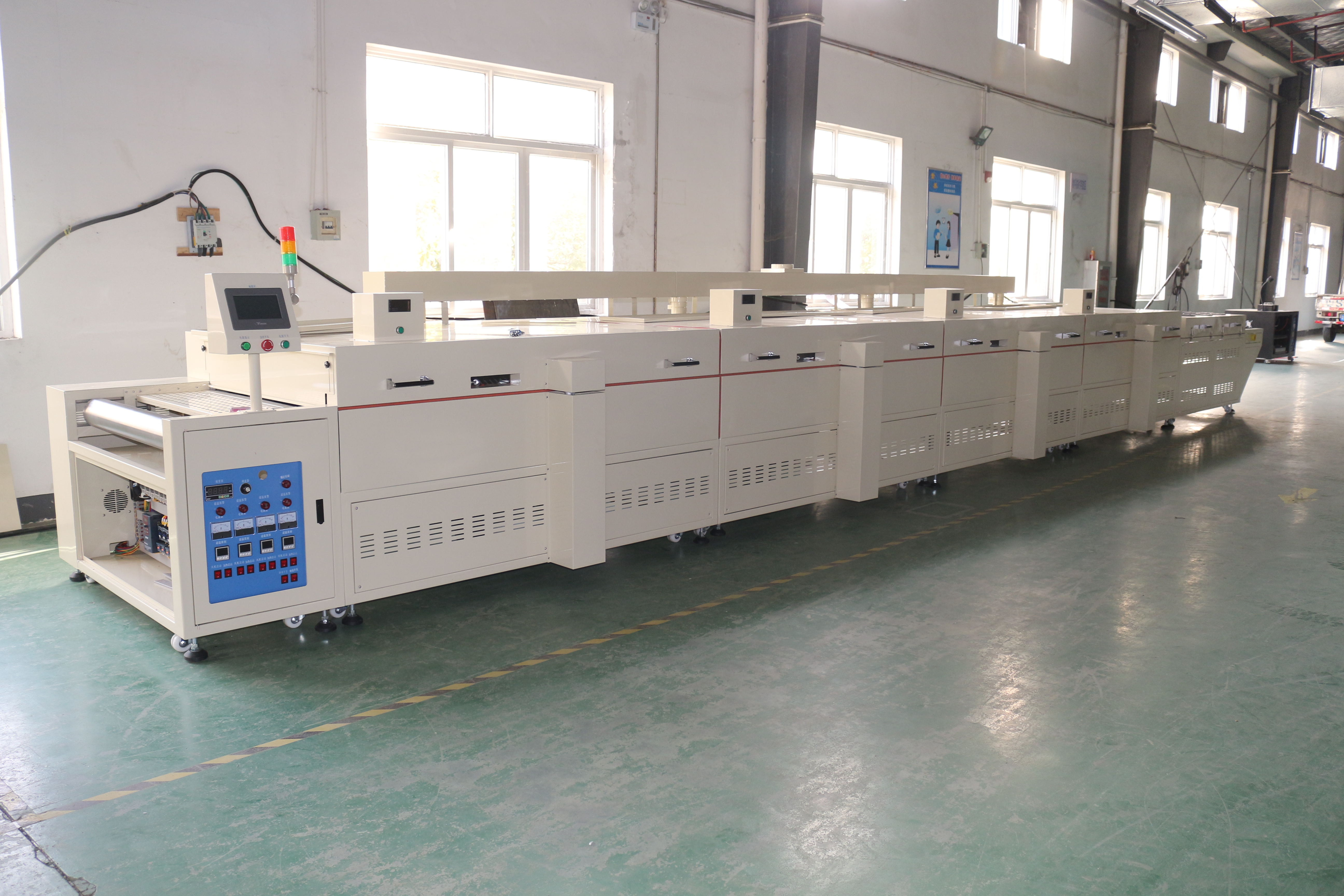
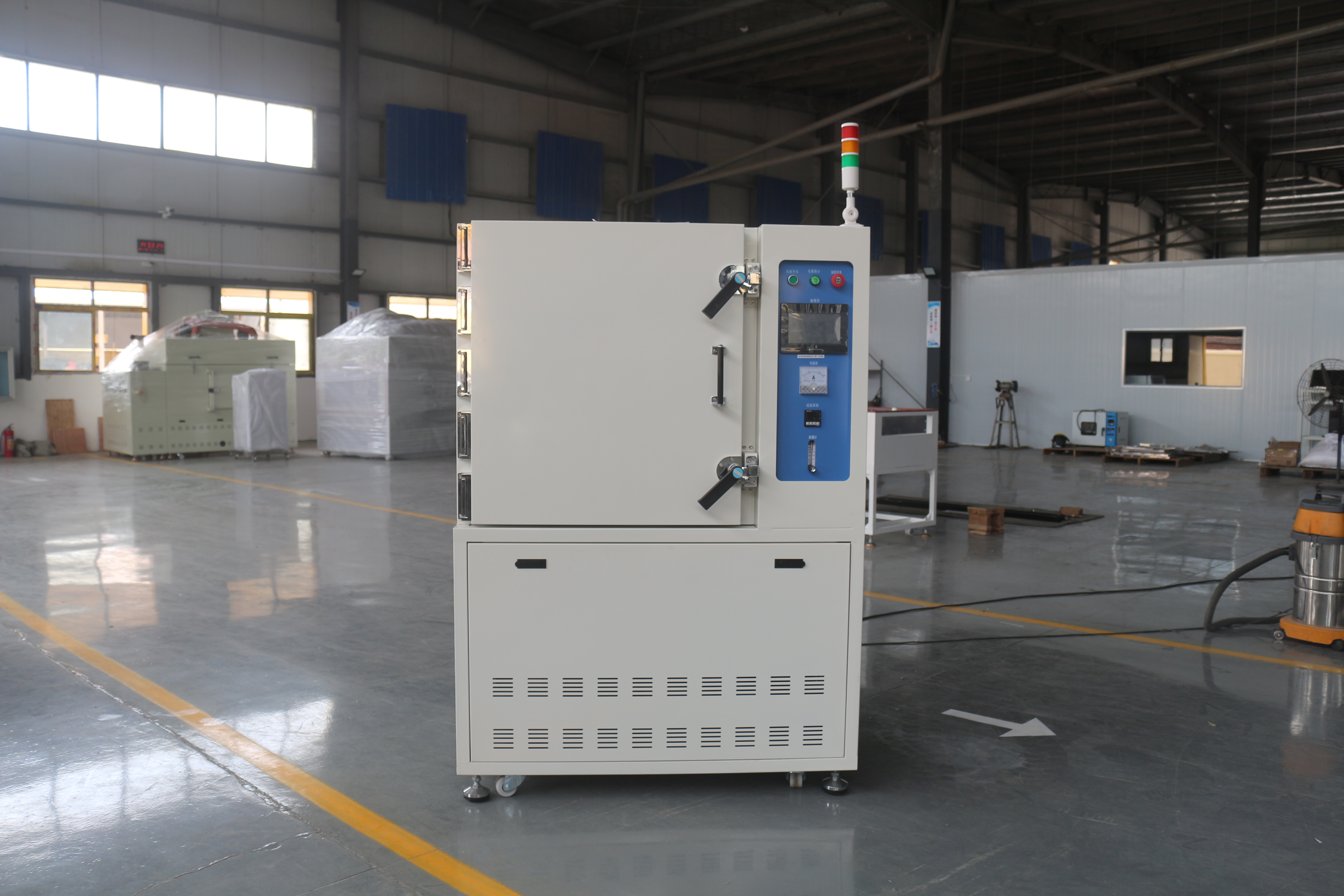
If a rubber/plastic keyboard gets wet, unplug at once - like cutting power on a shorted oven. Dry with tissue or blower and air-dry; do not hot-plug or force use. If possible, dry in a 40-50℃ oven on a tray off the walls - like drying damp food - but control time/temperature so heat does not ruin the keyboard.
Overall, most rubber/plastic keyboard issues are manageable with the right steps. Hope this helps you enjoy typing - and pick up a few life tips from the oven analogy.